You can always stop
Afterwards you pick a quick reason for stopping.
Deze pagina is er ook in het Nederlands.
Bekijk in het NederlandsPick a task, set a timer and let your distractions wait. On iPhone and iPad you choose which apps, categories and sites are locked while you focus.
With Choose distractions you select the apps, categories and sites you do not want to see while you focus. Blocking runs through Screen Time and ends when your session is over. Your choice stays on your own device.
Choose how strict you want to be with yourself.
Afterwards you pick a quick reason for stopping.
You wait 30 seconds before you can stop. The urge has often passed by then.
The session ends when your task is done or the time is up. Once a day you have an emergency unlock.
Start from a task or with a standalone focus block. Your session ends in time for your next appointment.
Turn an appointment into a focus block. At its start time your focus session begins by itself and your distractions get locked.
Need to check something? A quick look opens a blocked app for a few minutes. The number of looks is limited.
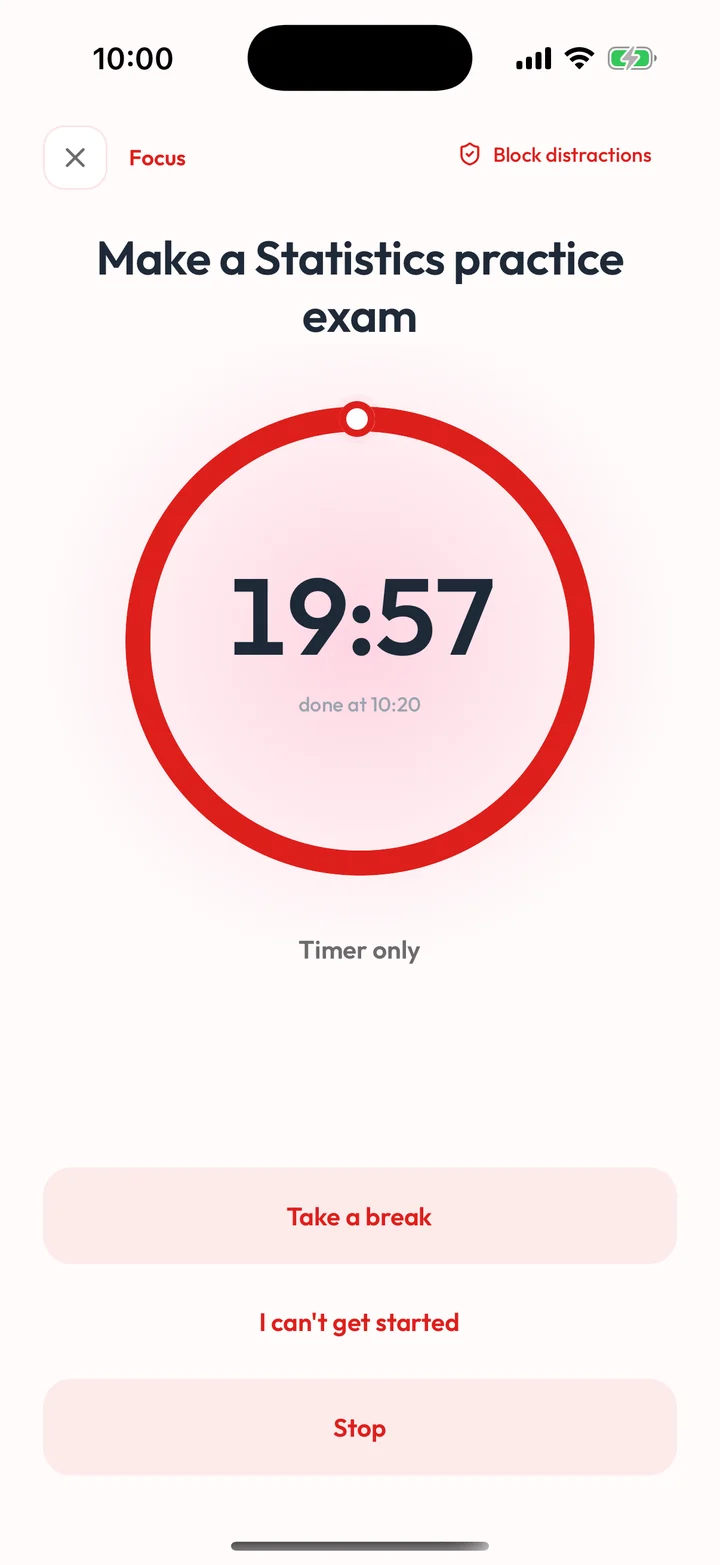
Prefer not to block anything? Choose Timer only. Your apps stay open and your timer simply runs.
For longer sessions you plan breaks, for example 25 + 5 or 50 + 10 minutes. Your distractions stay locked during a break too.
On iPhone you see your focus on the lock screen, with the time you have left, through a Live Activity.
Blocking apps is only possible on iPhone and iPad. On other devices you focus with a timer.
| Device | What you get | How it works |
|---|---|---|
| iPhone and iPad | Apps and sites locked | Everything in Focus mode: blocking distractions through Screen Time, three modes, quick looks, focus blocks and a Live Activity on iPhone. |
| Android | Do Not Disturb on | Your phone turns on Do Not Disturb while you focus and restores it afterwards. Blocking apps is not possible on Android. |
| Web app | Timer, no blocking | Focus with a timer in the web app. You can plan focus blocks on the web too, and your phone starts them. |
Only the apps, categories and sites you choose with Choose distractions. You can change your choice at any time.
No. Your choice stays on your own device and is not sent to us.
Your sessions are stored encrypted. They contain no task titles.
Yes, without blocking. Android turns on Do Not Disturb during your session and restores it afterwards. The web app gives you a timer. Blocking apps is only possible on iPhone and iPad.
A quick look opens a blocked app briefly. In Light and Normal mode you can also stop. In Strict mode the session ends when your task is done, the time is up or with your emergency unlock.
No, Focus mode is part of Premium. You can use it during your trial as well.
Start with a short session and see what suits you.